How to upgrade a large platform without disrupting operations
For many organisations, the platform they rely on has quietly grown into something huge. Thousands of users, years of content, hundreds of thousands of files. It holds the organisation’s history, and people depend on it every day.
Then comes the uncomfortable realisation. It’s getting harder to maintain, it’s falling behind on security, and the longer it’s left, the bigger the problem gets.
The good news is that a large platform can be upgraded safely. The key is treating it as a carefully planned change, not a rushed rebuild.
Why big platforms get stuck
Nobody sets out to build a platform that’s hard to maintain. It happens gradually. Features get added, fixes are layered on top of fixes, and the underlying technology ages. This is often called technical debt, and it works a bit like any other debt. Ignoring it doesn’t make it go away, it just makes it more expensive.
The real danger is security. Once a platform is no longer supported, it stops receiving important updates, which leaves the organisation exposed. At the same time, the size of the platform makes the idea of touching it feel risky, so it gets postponed again.
What a safe upgrade looks like
- 1.Start with discovery, not code. Before anything is moved, the platform needs to be properly understood. What’s in it, how it’s built, what’s still used and what isn’t. A thorough technical discovery removes the surprises that cause problems later.
- 2.Plan the migration strategy. This is where the real risk is managed. A good plan covers how the data will move, how it will be tested, when the switch happens and what the fallback is if something doesn’t go as expected.
- 3.Protect the data. For a platform with years of content, the data is the most valuable part. Every user, post and file needs to arrive intact. Nothing should be lost or quietly altered in the move.
- 4.Keep disruption to a minimum. The best result is one where staff and users barely notice the change, other than the platform feeling faster and more reliable afterwards.
- 5.Land on a modern, supported foundation. The aim isn’t just to move the problem somewhere newer. It’s to end up on a platform that’s secure, supported and ready to be maintained properly from here on.


What this looks like in practice
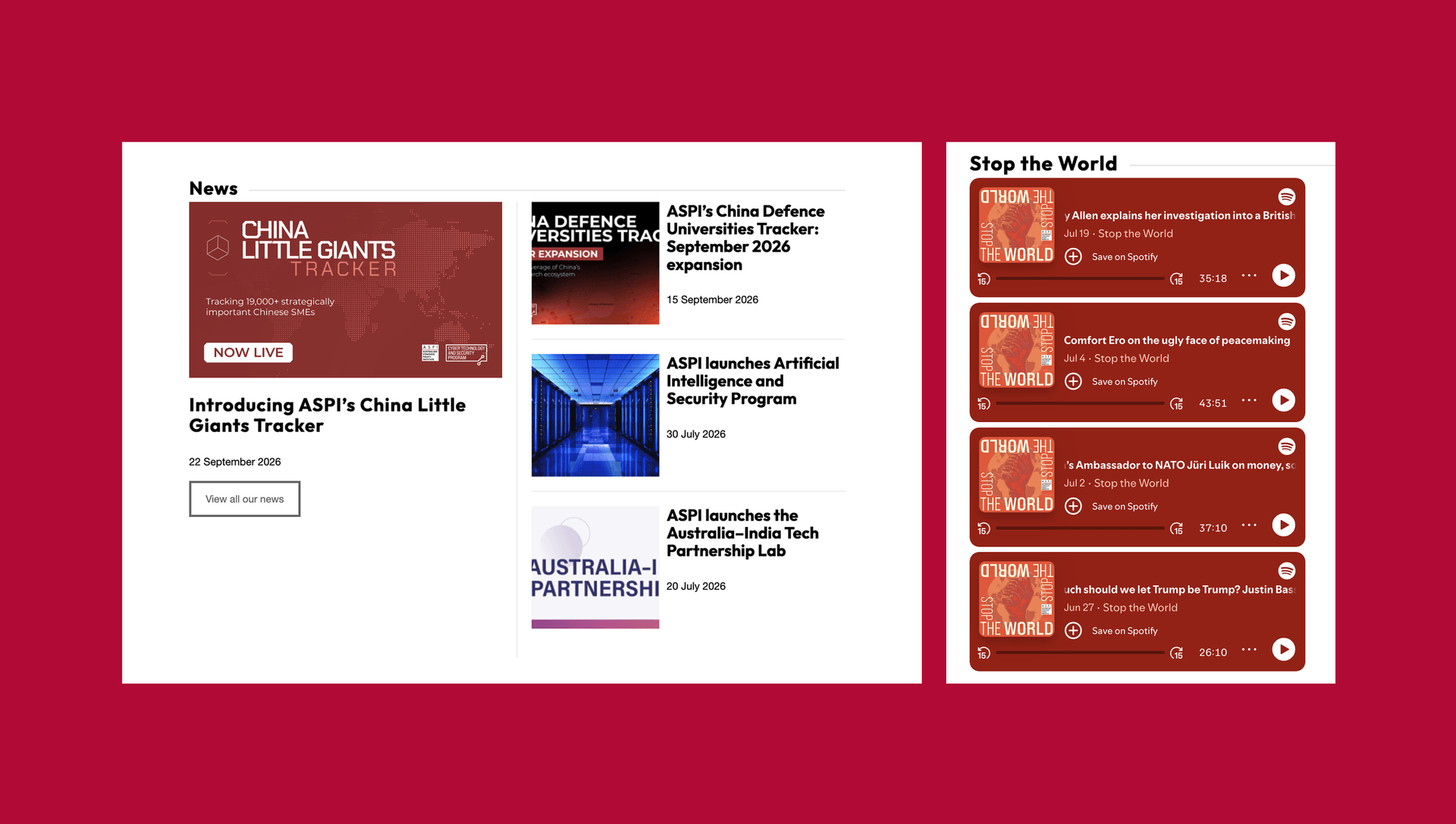
ASPI relied on a digital platform with more than 10,000 users, 20,000 posts and hundreds of thousands of files. Years of technical debt were making it harder to maintain and exposing the organisation to unnecessary security risk.
We began with technical discovery, planned the migration strategy and upgraded the platform to a modern supported environment. Existing data was protected throughout, and disruption was kept to a minimum.
Today ASPI operates on a secure, supported platform with improved reliability, and the confidence that its digital infrastructure can keep supporting the organisation.
Where to start
If you have a platform you’re nervous about touching, the first step is simply to understand it. A short discovery conversation can show you what condition it’s really in and what your options are, before you commit to anything.
Related
Is a spreadsheet holding your organisation back?
Five signs your spreadsheet has become a risk, and what a better option looks like.
Learn more
What to ask before replacing a legacy system
Seven questions to work through before replacing a legacy system, from what it really does today to who looks after the new one.
Learn more
What a technical partner actually does each month
See what a technical partner does each month, from monitoring and security updates to planning sessions and senior advice.
Learn more