PHP2Shell: Why security and maintenance come first
Security and maintenance rarely get much attention, until a week like this one.
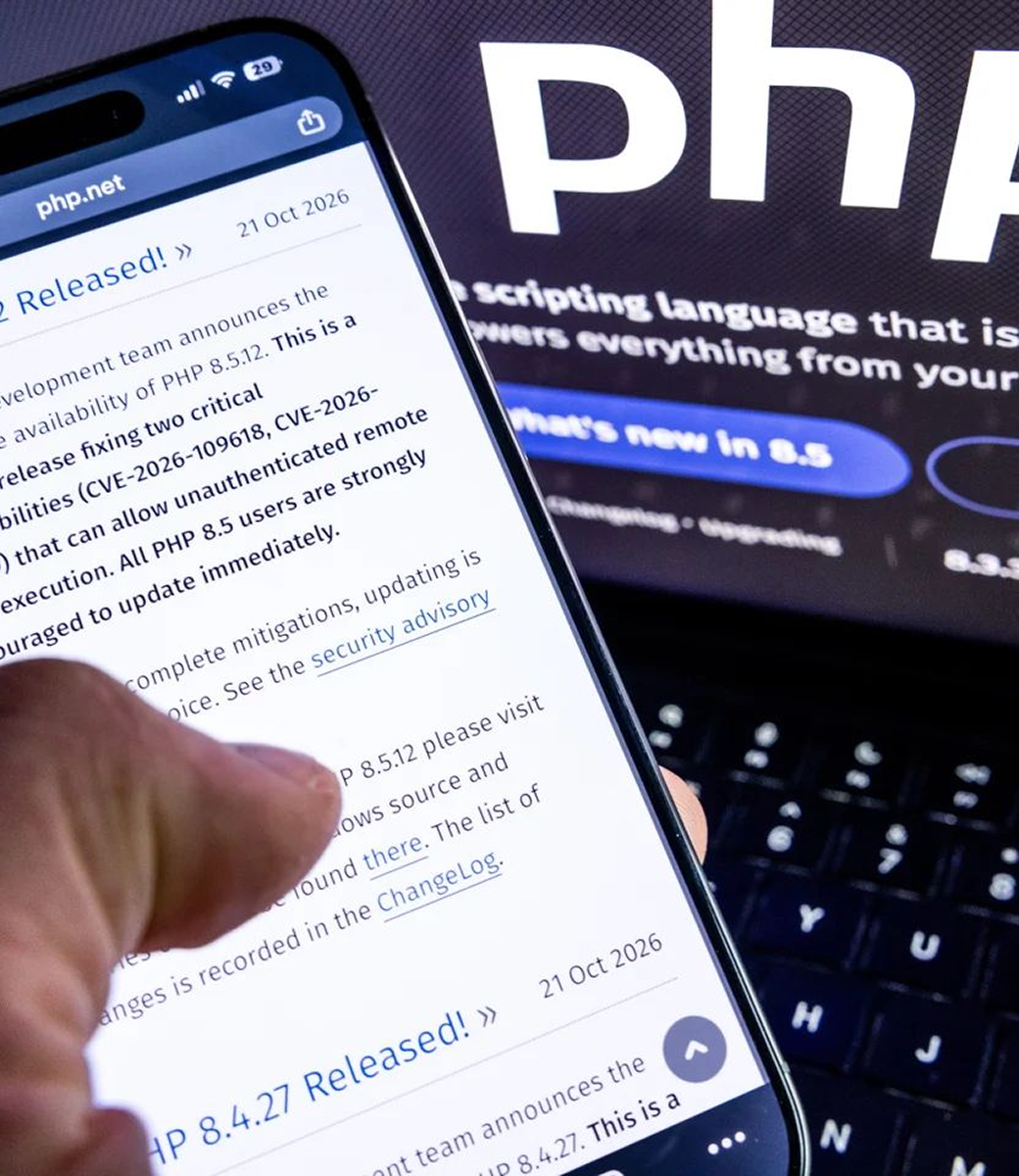
On 21 October, PHP released emergency fixes for two critical flaws nicknamed PHP2Shell. Both are rated 9.2 out of 10, and both can let an attacker run commands on a server without logging in. Details leaked before the fix was ready, so for a short window the attackers knew more than the people defending.
If your website, portal or business system runs on PHP, this one matters.
What happened
PHP sits behind a huge share of the web. WordPress, Drupal, Magento and Laravel all run on it, along with plenty of control panels and older business systems.
The two flaws are tracked as CVE-2026-109618 and CVE-2026-109619. In plain terms, someone could send a crafted request to a vulnerable server and take control of it. From there they can read files, pick up login details held in configuration, and use the server to reach other systems.
The fixes are in PHP 8.5.12, 8.4.27, 8.3.36 and 8.2.35. If you’re on an older version that PHP no longer supports, there is no official fix coming. The answer there is an upgrade, not a patch.
Why this isn't a plugin problem
Most website vulnerabilities live in a plugin or a custom feature, so you update the plugin and move on. This one is in the foundation. Updating your CMS won’t fix it. The PHP version on the server has to be updated, and the PHP service has to be restarted afterwards. That last step is the one that gets missed.
The real problem is that nobody owns it
In most businesses, the website was built by one company, hosted by another, and looked after by nobody. The agency finished the project and moved on. The hosting provider assumes it’s your job. You assume it’s theirs.
That gap is where attackers get in. Not because the code was bad, but because nobody was watching the platform underneath it when the news broke.

How a technical partner helps
A technical partner stays involved after launch and takes responsibility for how your platform holds up over time. Through our Maintenance & Support service, this is what that looks like when something like PHP2Shell lands:
- We know what you run: Which PHP version, which hosting, which plugins and integrations. You can’t fix what you haven’t mapped.
- We hear about it early: We track security advisories, so we find out when the issue is announced, not weeks later when a customer asks.
- We patch and restart: We update to the fixed release, restart the services, and confirm the fix is actually running. Linux providers often apply fixes without changing the visible version number, so we check the changelog for the CVEs rather than trusting the number.
- We keep watching afterwards: We look for anything unusual, such as PHP processes starting shells or downloading tools, in case something got in before the patch.
- We tell you plainly: What happened, what we did, and whether there is anything you need to decide. No jargon and no surprises.
- We respond when it matters: When a threat is serious, we act straight away, including outside business hours. Attackers don’t keep to a nine to five schedule, so neither can the people protecting your systems.
What to do this week
For your own systems
- 1.Find out which PHP version each site and application is running.
- 2.Update to the fixed release, or the version your provider has confirmed contains the fix.
- 3.Restart the PHP services. Patching without a restart can leave the old code running.
- 4.Check your logs for anything odd, such as PHP processes starting shells or downloading files.
For your vendors, ask three questions
- 1.Do you run PHP in any service you provide to us?
- 2.Has it been updated to the fixed release, and when?
- 3.If not, what protection is in place until it is?
Ask for evidence, not just a yes. A changelog entry that names the CVEs tells you far more than a version number.
Look after the foundation first
A website can look brilliant and still be one bad request away from a takeover. Every design improvement and new feature sits on top of the platform underneath, so that platform needs to be secure and maintained before anything else.
If you’re not sure what’s running behind your website, or who is responsible for keeping it updated, get in touch with the Aryal Technologies team. We’ll take a look and tell you plainly where you stand.
Related
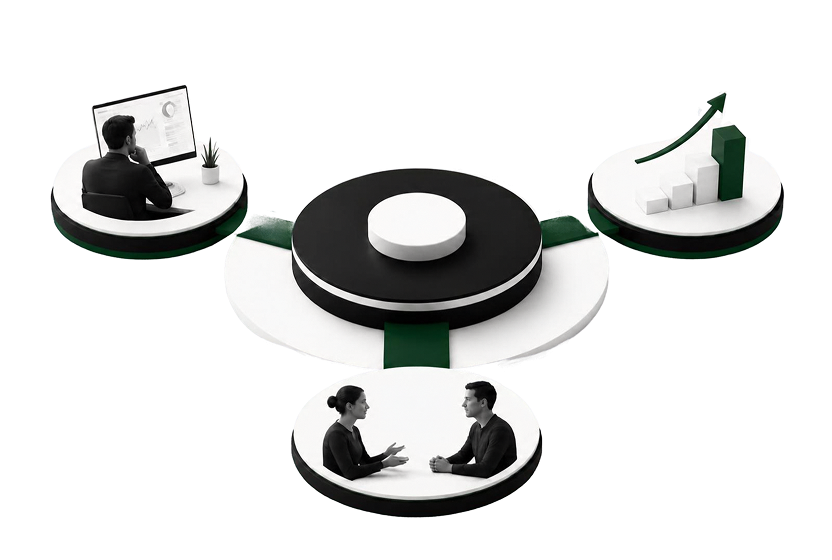
What a technical partner actually does each month
See what a technical partner does each month, from monitoring and security updates to planning sessions and senior advice.
Learn more
Support provider or technical partner: what's the difference?
Support keeps things working today. A technical partner helps them keep improving.
Learn more
How to upgrade a large platform without disrupting operations
Thousands of users, years of content and a growing security risk. Here is how a large platform can be upgraded with confidence.
Learn more